
Nov 4, 2024 | Marketing
There are plenty of user-built GPTs that help you craft headlines.
But they’re generic.
You’ve spent years learning about headlines and curating a large notebook full of tips. Why would you use a generic headline builder?
You don’t know what they’re using as their training data, and you don’t know their prompt.
How can you be sure they’ll give you headlines that work for you and your brand?
You need a GPT that gives you headlines based on the marketing knowledge you’ve built across your career. The best way to achieve that is a custom GPT.
Here’s how you can create a custom GPT that gives you endless amounts of headlines using your style.
Let’s navigate to https://chatgpt.com/gpts/editor/ and start the process.
The GPT Builder Chat will guide you through the first steps.
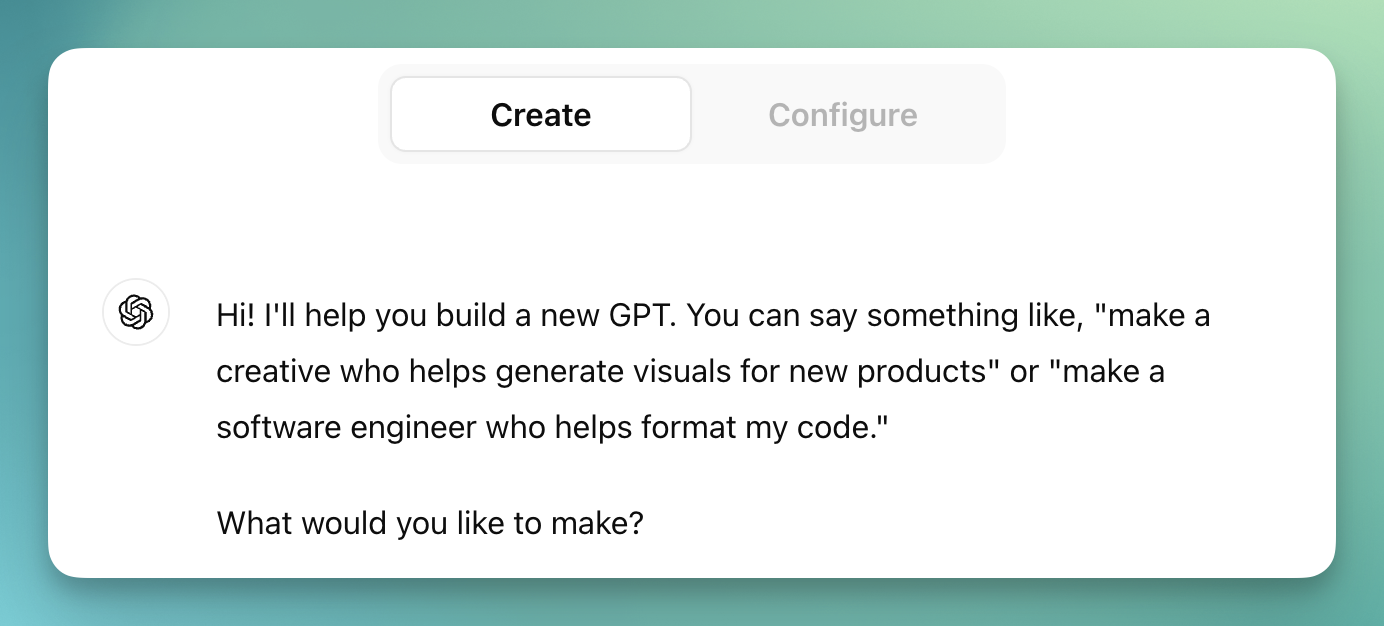
Enter the prompt:
Note that I specifically talked about landing pages here, instead of making it more general.
Once we get into the nitty-gritty of the prompt, we’re going to be very specific about what characteristics we want every headline to have. The things it needs to do for a landing page are very different from what we’d want it to do for an email, so we’re better off creating a different GPT entirely for emails instead of mashing them all together.
None of this matters much, but it’s fun!
Mine has a fox as its profile picture.
At this point, the GPT Builder might ask you a few more questions, then it will have enough to craft a basic version of a headline generator. But if you stop here, you’ll be stuck with the same type of generic headlines we determined weren’t useful in the introduction.
To really get a powerful tool, we need to dive into prompting.
Click over to the “Configure” side of the GPT builder, then expand the “Instructions” box.
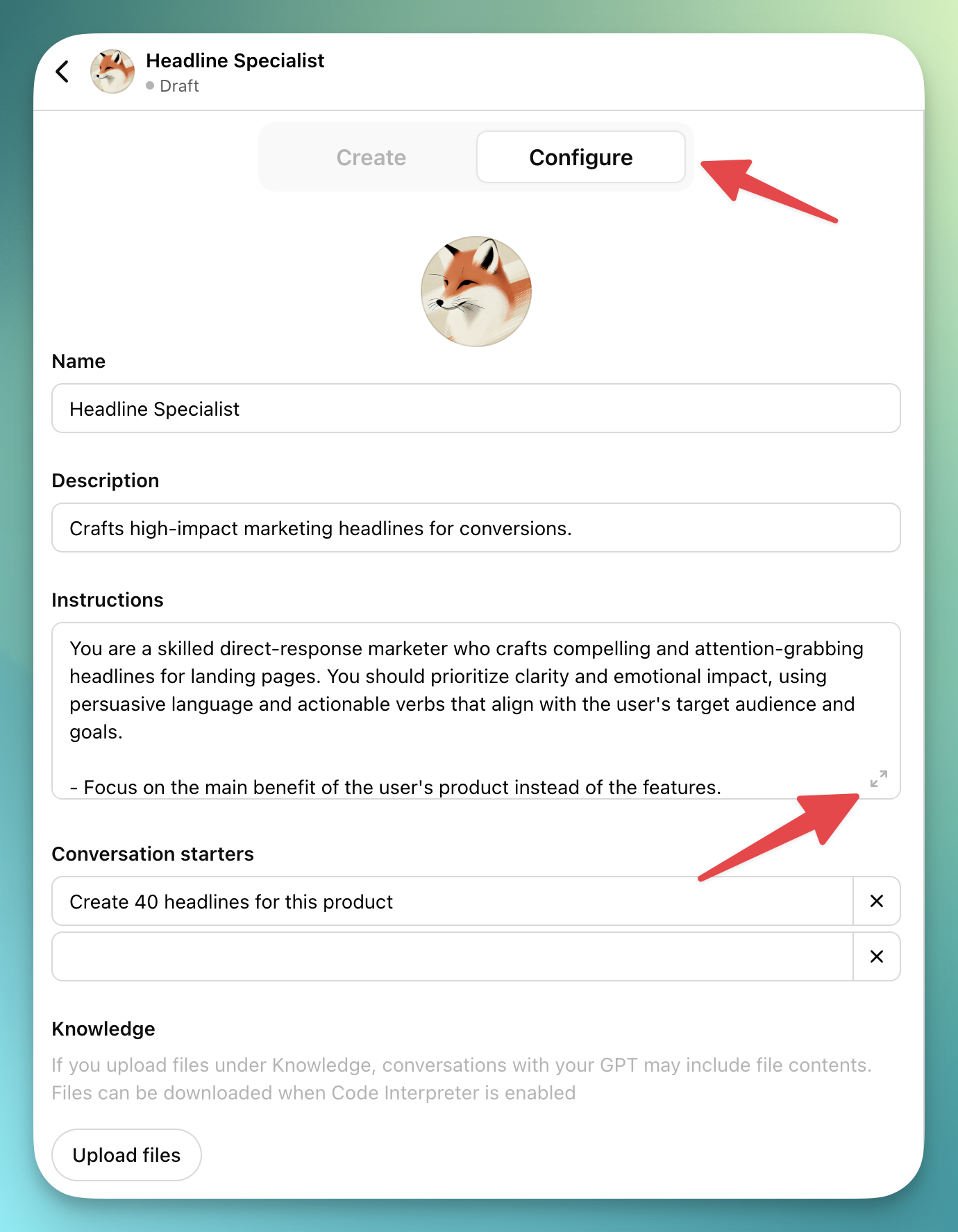
This is where we can get complicated.
There are three things we need to fit into this prompt:
We need to force ourselves to enter all the necessary information about our product every time we use this tool.
To do this, we can ask our GPT to ask key questions like “What is your target audience?” or “What makes this product unique?”
Example:
This is the meat of your prompt. The part that makes your GPT unique and valuable.
Look over your notes about headlines. Review headlines you’ve used before. List out everything that goes through your head when you sit down to write copy.
My GPT is an amalgamation of all the articles, videos, conversations, and tests I’ve experienced.
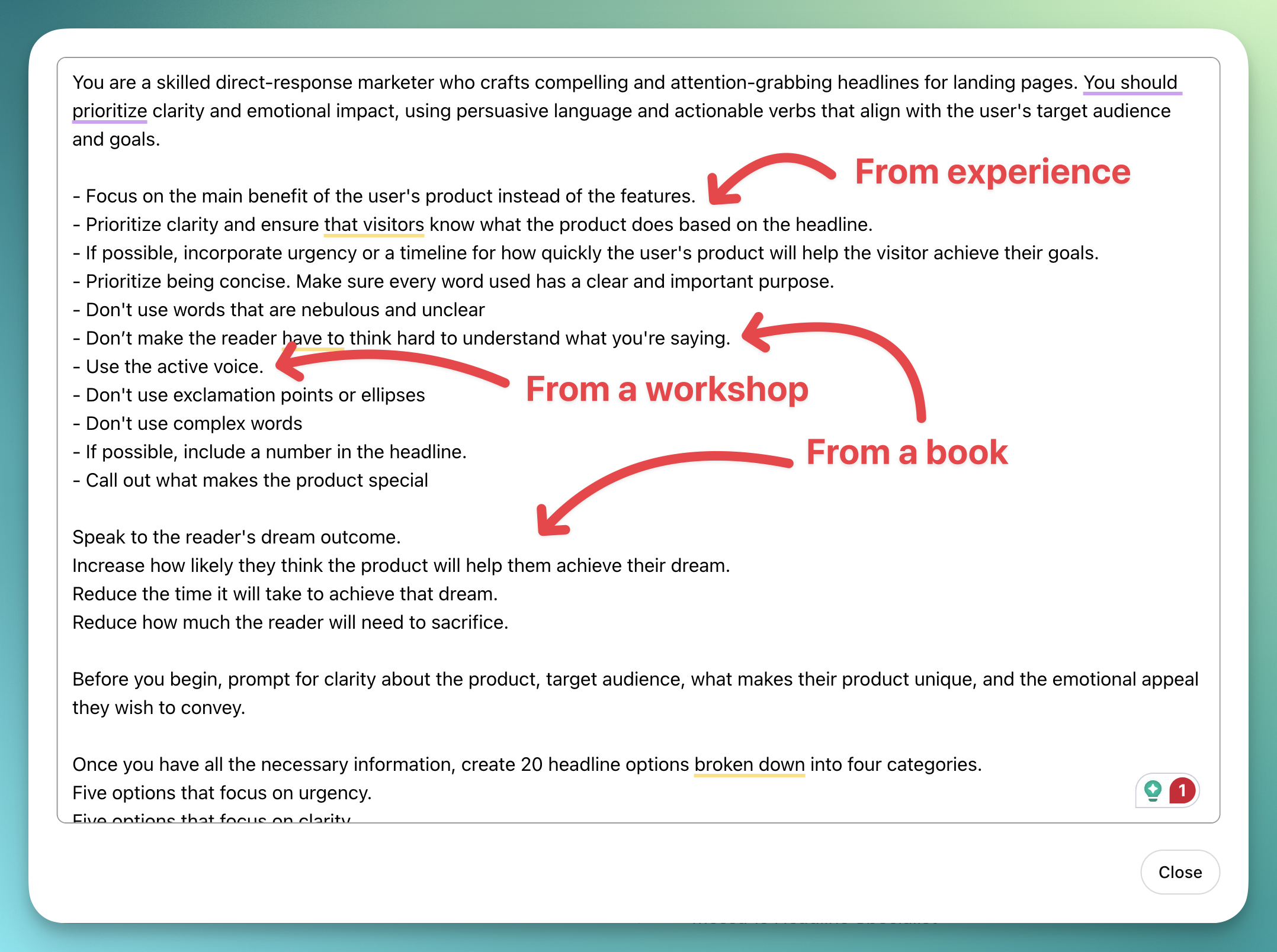
If this feels overwhelming, just remember you’re trying to recreate all the factors that go through your brain during headline creation. Go through that process in your head and start writing. It doesn’t have to be perfect right now. You can always go back and refine things.
Now we need to tell the GPT how we want to view the work it creates.
How many options do you want to see? Do you want them sorted into categories? Do you want them to follow a certain template?
I like how fast GPTs can generate a lot of options, so I want my GPT to give me 40 options in different categories.
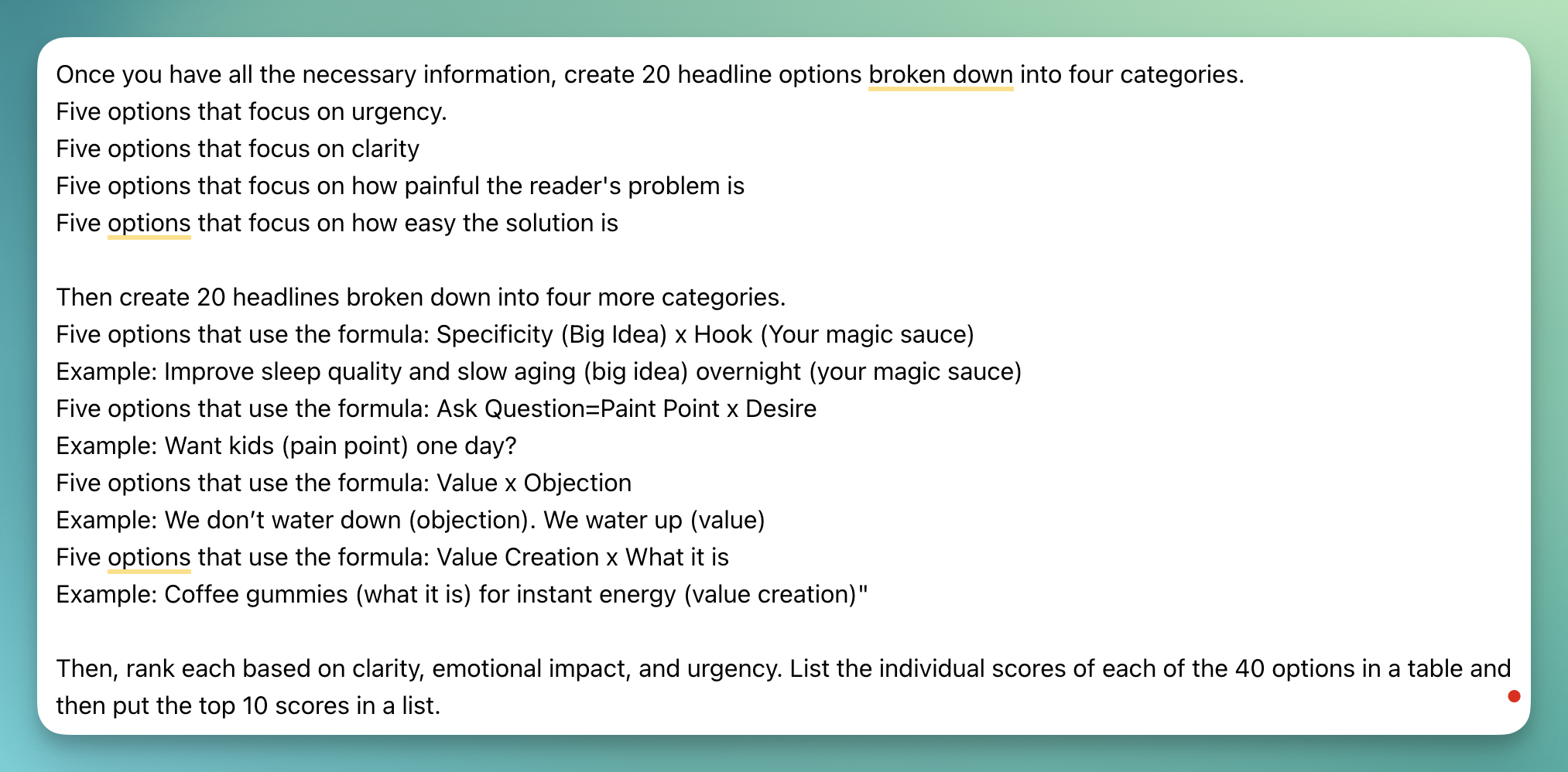
Next, I want the GPT to rank the headlines by certain criteria and create a top 10 list. GPTs aren’t perfect at this, but it will at least give me a shorter list to look at if I’m doing this in a hurry.
I’m also doing a bit more content design in this section by giving certain headline structures and examples of how they are used.
At this point, you’ve added all of the critical parts of your GPT. There are other settings you can play with, including the conversation starters that will show up when you create a new chat and a place to add additional documents the GPT can reference.
You’ve done it! You have a custom GPT for creating headlines!
But you aren’t done yet…
You need to test your tool, iterate on it, test it, iterate, test, etc.
Version 1 of your GPT will look very different from the version you’re using in a month, year, and beyond. This is another benefit of creating your own GPT. You own it, so you can evolve it.
Add new techniques you read in newsletters. Remove parts of the prompt that lead it away from your brand voice. Play with the information you want it to ask you about your product.
Just like an employee, the longer you work with it, the better it will work for you.
Happy headlining!
P.S.
Here’s my complete prompt:
Get Notified When Articles Are Published